Projects
A project is an app on your computer that is set up for LaraKube.
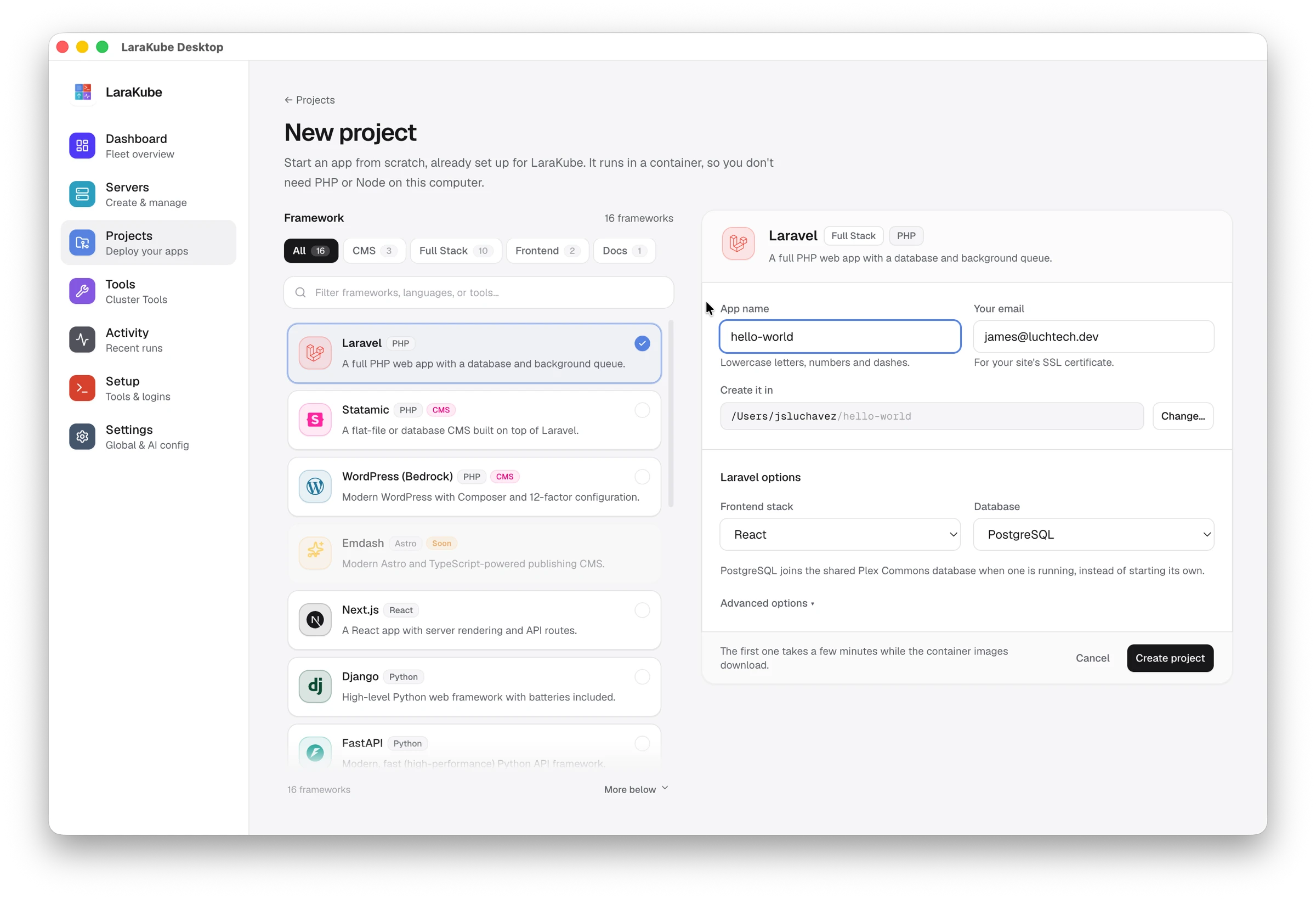
Start a new project
- Open Projects → New project.
- Pick a framework on the left. Filter by CMS, Full Stack, Frontend or Docs, or search.
- Fill in the card on the right: the app name, your email (used for the site's SSL certificate) and the folder to create it in.
- For Laravel, choose the frontend stack and the database.
- Press Create project.
The app is created inside a container, so you do not need PHP or Node on your computer. The first one takes a few minutes while the container images download.
Add an existing app
Open a folder you already have and Desktop sets it up for LaraKube.
Deploying from Desktop
Deploying an app to your server from Desktop is still being built. Until then, deploy with the CLI.